
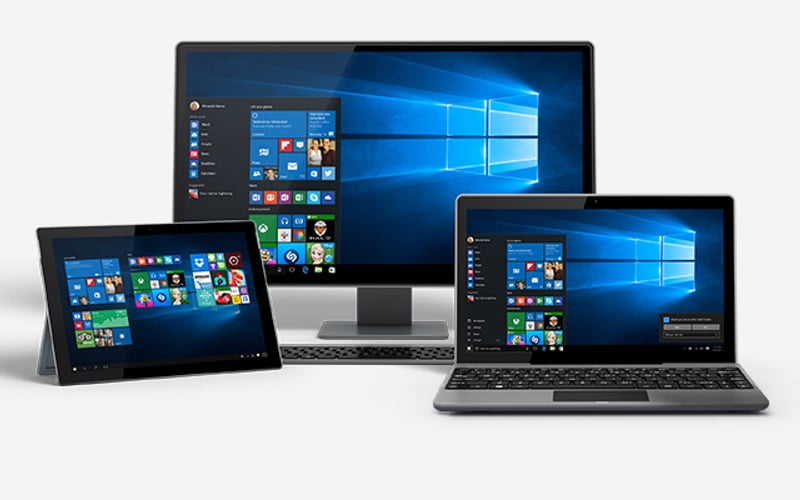
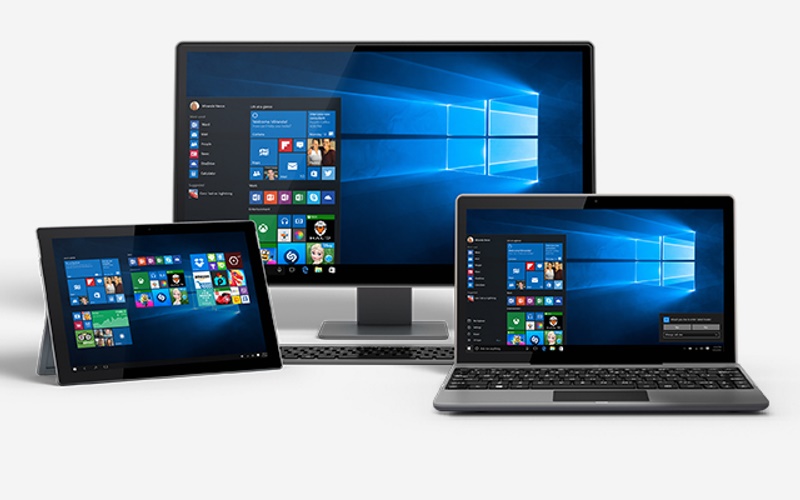
Tech giant Microsoft started rolling out its first annualWindows 10 Anniversary Update last month. However, many users started to complain that after they installed the Anniversary Update, their Windows 10 desktops froze, refusing them to sign-in. Now, Microsoft has announced that it has bundled a fix for that with an auto-update released on August 31.
The fix is automatically applied when installing the Windows 10 Anniversary Update. However, if you already have the Windows 10 Anniversary Update installed on your PC or tablet, then you can fix it by accessing the second administrator account if you have one. After you sign into that, install the latest Windows 10 update and reboot the PC.
If you do not have the second administrator account, alternatively try to uninstall the Anniversary Update by using any of these two methods:
Method 1: Try uninstalling the Windows 10 Anniversary Update by using the Recovery Console. First go ahead and reboot the PC. When you get to the sign-in screen, hold the Shift key and the Power button simultaneously. The PC will restart, and on the screen choose Troubleshoot > Advanced Options > Go back to the previous build.
Method 2: If the first method doesn’t work, try using the Settings app from Safe Mode. First go ahead and reboot the PC. When you get to the sign-in screen, hold the Shift key and the Power button simultaneously. The PC will restart, and on the screen choose Troubleshoot > Advanced Options > Startup Settings > Restart. After your PC restarts, you’ll see a list of options. Select 4 or F4 to start your PC in Safe Mode. Open the Settings App is Safe Mode, select Update & Security > Recovery Tab > Go back to an earlier build. Click on the Get Started button under “Go back to an earlier build” and follow the instructions.
Once you’ve removed the Anniversary Update, reinstall the latest Update from the Windows 10 download page. While reinstalling, make sure you back up your data, just in case something has to go wrong (again!). Here’s a step by step guide on how to install the Windows 10 Anniversary Update.
Two weeks after the first Windows 10 Anniversary Update rollout for desktops and tablets, the Redmond-based company finally started rolling out the Windows 10 Mobile Anniversary Update to eligible devices as well.
[source :-gadgets.ndtv]